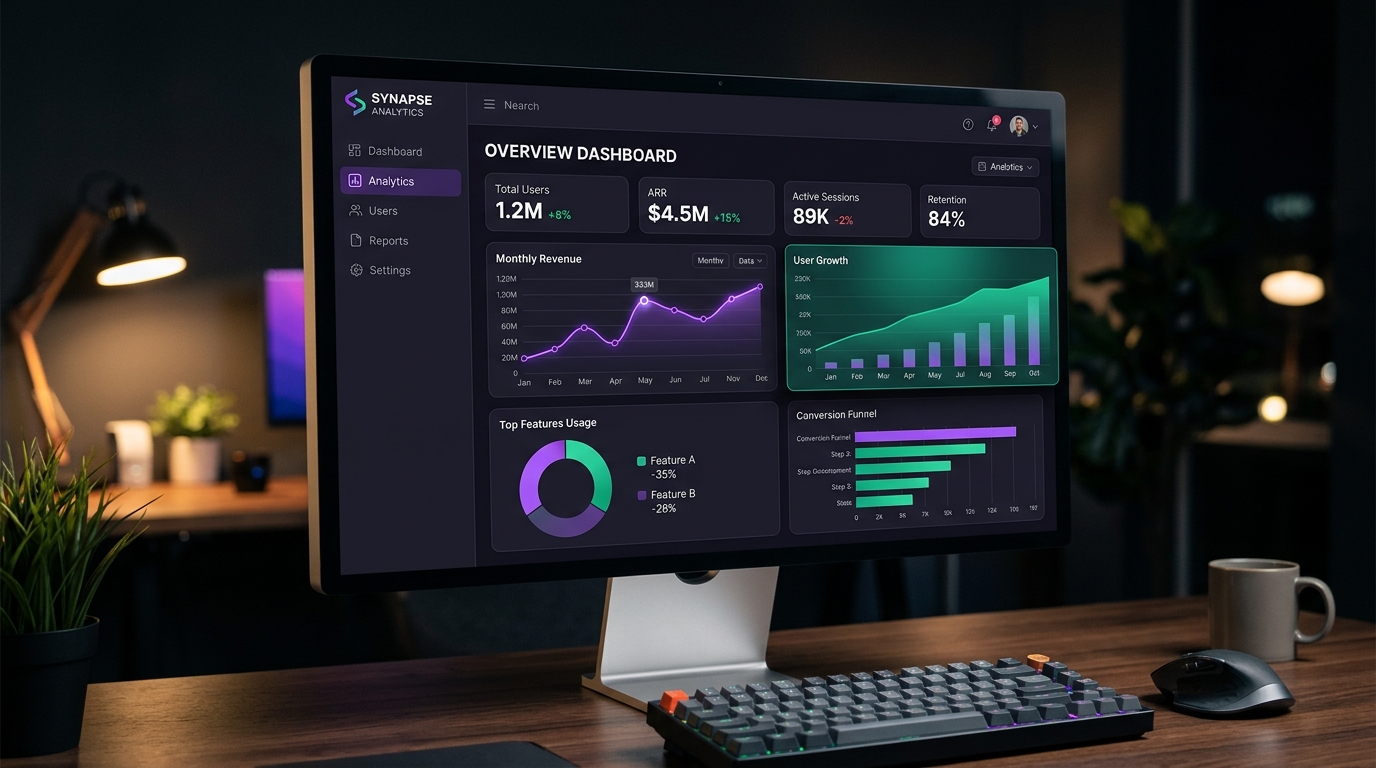
1. The High-Conversion Visual Funnel: Dominant, Support & Conversion Accents
Top-tier SaaS homepages structure their color hierarchy around an intentional inverted pyramid. 70% of the viewport is quiet neutral canvas (#09090b or #ffffff), 20% consists of structural cards and interactive tabs (#18181b or #f4f4f5), and the remaining 10% is fiercely guarded for value triggers and primary action buttons.
/* SaaS High-Converting Conversion Tokens */
:root {
  --brand-core: #6366f1;       /* Indigo: Authority and stability */
  --brand-glow: #818cf8;       /* Subtle ambient lighting */
  --cta-action: #10b981;       /* Emerald: High-visibility checkout */
  --cta-hover: #059669;        /* Hover state with -8% lightness */
  --surface-card: #18181b;     /* Structural component surface */
}
2. The Danger of "The Everything Button" Problem
When "Book a Demo", "Learn More", "Read Documentation", and "Sign Up Free" all share the same solid accent style, cognitive load spikes and click-through rates decline. The primary CTA must remain visually unique across the entire viewport. Secondary actions should use ghost borders (border: 1px solid var(--border)) with clear hover reveals.
| Button Tier | Background | Border | Visual Purpose |
|---|---|---|---|
| Primary CTA | var(--cta-action) Solid | None | Main conversion goal (Start Free Trial) |
| Secondary CTA | var(--surface-card) | 1px solid var(--border2) | Exploratory action (Watch 2-Min Demo) |
| Tertiary Action | Transparent | None | Low-priority links (View Documentation) |
3. Modern SaaS Gradients: Bending Ambient Light Without Mud
Flat interfaces often look dated, but sloppy linear gradients create dull grayish midpoints when blending across complementary hues. Modern SaaS design employs subtle radial glow mesh layers positioned directly behind the hero headline, casting ambient illumination onto nearby borders.
4. Key Takeaways for High-Converting Web Pages
Guard your CTA color with extreme discipline. Ensure your primary headline meets at least 9:1 contrast against the hero backdrop, and export design tokens systematically using our Tailwind Shades generator to keep developer handoff frictionless.
5. Implementation Blueprint & Token Architecture
Translating theoretical color principles into production code requires consistent design token binding. When engineers hardcode ad-hoc hexadecimal values directly inside component CSS classes, theme parity breaks down and maintaining accessibility becomes an ongoing liability. By adopting disciplined semantic variables, your frontend application can swap themes, adapt to high-contrast operating system preferences, and enforce strict accessibility thresholds across every viewport.
When architecting your color tokens, establish an invariant rule: UI components must consume semantic tokens rather than raw primitives. This abstraction layer ensures that updating your brand identity or adjusting dark mode surface elevations requires changing values in a single centralized design token stylesheet rather than executing search-and-replace across thousands of individual CSS or JSX files.
/* Centralized Design Token Integration Blueprint */
:root {
  --color-canvas-base: #f8fafc;
  --color-surface-card: #ffffff;
  --color-border-subtle: rgba(0, 0, 0, 0.08);
  --color-text-primary: #0f172a;
  --color-text-muted: #64748b;
  --color-interactive-primary: var(--brand-500);
  --color-interactive-hover: var(--brand-600);
}

[data-theme="dark"] {
  --color-canvas-base: #080810;
  --color-surface-card: #16162a;
  --color-border-subtle: rgba(255, 255, 255, 0.08);
  --color-text-primary: #f0f0fa;
  --color-text-muted: #a0a0c0;
  --color-interactive-primary: var(--brand-400);
  --color-interactive-hover: var(--brand-500);
}
For frontend engineering teams using modern utility-first CSS frameworks like Tailwind CSS, export your verified semantic tokens directly into your tailwind.config.js file. This creates autocompleted utility classes such as bg-surface-card and text-interactive-primary, ensuring developers build accessible, harmonious interfaces without leaving their editor.
Put These Tokens into Practice
Explore our interactive design tools to test contrast ratios, generate 50–950 shade steps, or discover harmonious color palettes.