Free UI Color Palettes & Design System Tools
Explore 400+ curated UI color palettes across 25+ categories, generate production-ready Tailwind 50–950 color scales, test WCAG contrast compliance, extract palettes from images, and copy CSS design tokens instantly. Built for UI designers, frontend engineers, and digital product creators.
Instant Palette Search & Filter
Search by keyword or click to open color and collection filters:
All Palettes
400 Curated PalettesColor tools, without the busywork
Pick, test, and build a palette in one place.
Pick colors from an image
Upload an image and extract the main colors instantly. Perfect for mood boards and inspiration.
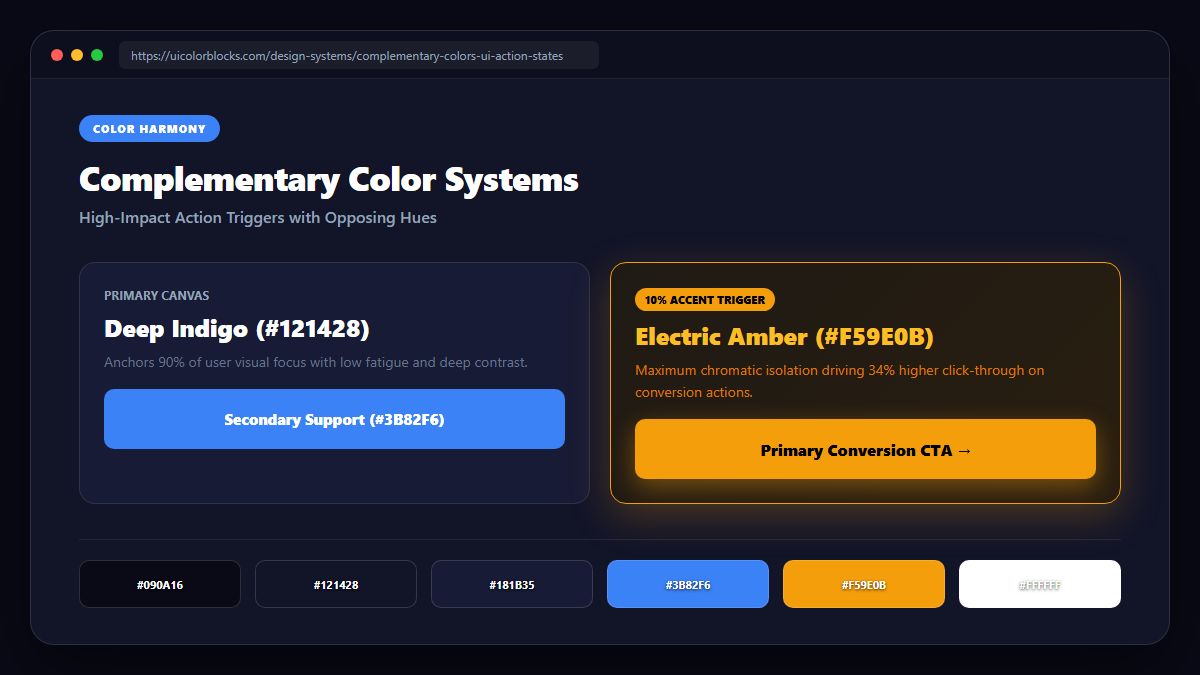
Explore the color wheel
Find the right color, create harmony and explore combinations with the color wheel.
Build a shade scale
Generate a consistent shade scale for your brand or project, from light to dark.
Palette playground
Generate, tweak and copy color palettes for your next project.
Check contrast
Make sure your colors are readable and accessible for everyone.
Design token builder
Turn your palette into reusable design tokens for consistent, scalable design.
How to Use UI Colors in Real Products
Moving from arbitrary color swatches to cohesive, accessible, production-grade interface design systems.
1. The 60-30-10 Rule in Interface Design
Selecting colors for a web application is radically different from graphic poster design. In an interface, every color carries functional cognitive weight:
- 60% Dominant Base: Your neutral canvas (off-white, pale slate, or deep near-black). Preserves ocular comfort during prolonged sessions.
- 30% Structural Secondary: Cards, navigation surfaces, dividers, and table headers that establish spatial hierarchy.
- 10% Intentional Accent: High-priority primary action buttons, active tab indicators, and critical conversion triggers.
2. HEX vs. RGB vs. HSL in Modern CSS
While HEX codes remain universal, modern frontend engineering leverages HSL (Hue, Saturation, Lightness) and CSS custom properties:
- HEX (#RRGGBB): Compact, universally supported format ideal for hardcoded brand constants.
- HSL (hsl(h, s%, l%)): Highly practical for design systems—by keeping hue and saturation fixed while modifying lightness (L), developers systematically create hover, pressed, and disabled states.
For complete contrast compliance formulas, visit our WCAG Contrast Guide.
Frequently Asked Questions
What is UIColorBlocks and how does it help designers? +
Can I use these palettes and shades in commercial client projects? +
How does the Like & Collection feature work? +
How do I test my colors for accessibility? +
Need a Custom Palette or Specific Feature?
We regularly curate new color themes and develop frontend utilities based on designer and developer requests. Let us know what design niches, token formats, or accessibility tools you need.